Transform Your Outdoor Space with a Pool Deck Coating Design Tool
If you’re dreaming of a stunning backyard oasis, the right pool deck finish can make all the difference. A well-designed deck not only boosts safety with slip-resistant textures but also elevates the entire look of your swimming area. With so many coating options out there, though, it’s tough to know what’ll work best until you see it. That’s where a digital visualization tool comes in handy, letting you experiment without committing.
Why Visualize Before You Decide?
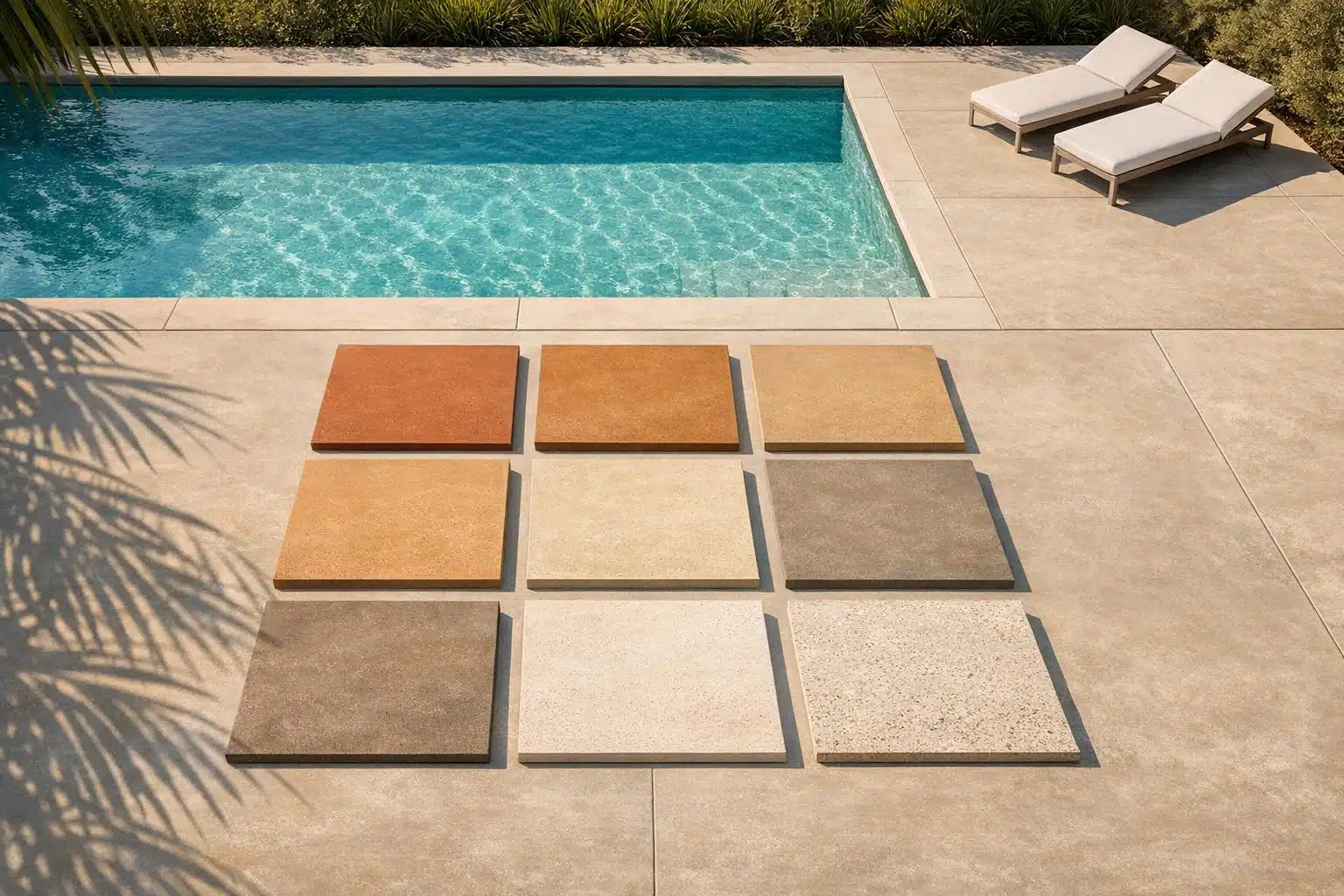
Picture this: you’re torn between a sleek solid gray coating or a earthy, patterned sandstone vibe. Instead of guessing, a design simulator lets you toggle between styles and shades on a virtual canvas. You can test out different sizes — whether you’ve got a cozy small deck or a sprawling custom layout — and preview the best non-slip textures that keep your family safe. It’s like a sneak peek of your future backyard! When you’re ready to move from design to decision, polyurea coatings stand out as the top choice for pool decks — and cool, heat-reducing finishes keep bare feet happy even on the hottest days. Plus, playing with a pool deck coating color selector to find shades like deep blue or warm terracotta sparks ideas you might not have considered. If you’re refreshing your poolside area, this kind of preview saves time and potential regrets — and our pool deck coating cost guide helps you budget for the design you’ve created.
FAQs
Can I use this tool for any pool deck shape?
Absolutely! While our tool uses a generic rectangular template for the visualization, the size and style options work for most pool deck shapes. Pick a size close to your actual deck, choose a coating and color, and you’ll get a solid idea of how it’ll look. If you’ve got an unusual layout, the mockup still gives a great starting point for inspiration. Wondering whether your deck needs resurfacing before you design? Weigh the pros and cons of pool deck resurfacing first.
Are the colors in the tool true to real life?
We’ve done our best to make the colors as accurate as possible, with shades like blue, gray, and sandstone reflecting common coating options. That said, screen settings can vary, so they might look slightly different in person. I’d recommend using this as a guide and checking physical samples from a supplier for the final decision.
Do I need to download anything to use this design tool?
Nope, not at all! Our tool runs right in your browser, so there’s nothing to download or install. Just hop on from any device—phone, tablet, or computer—and start designing. It’s super quick to load, and you can play around with options as much as you want.