
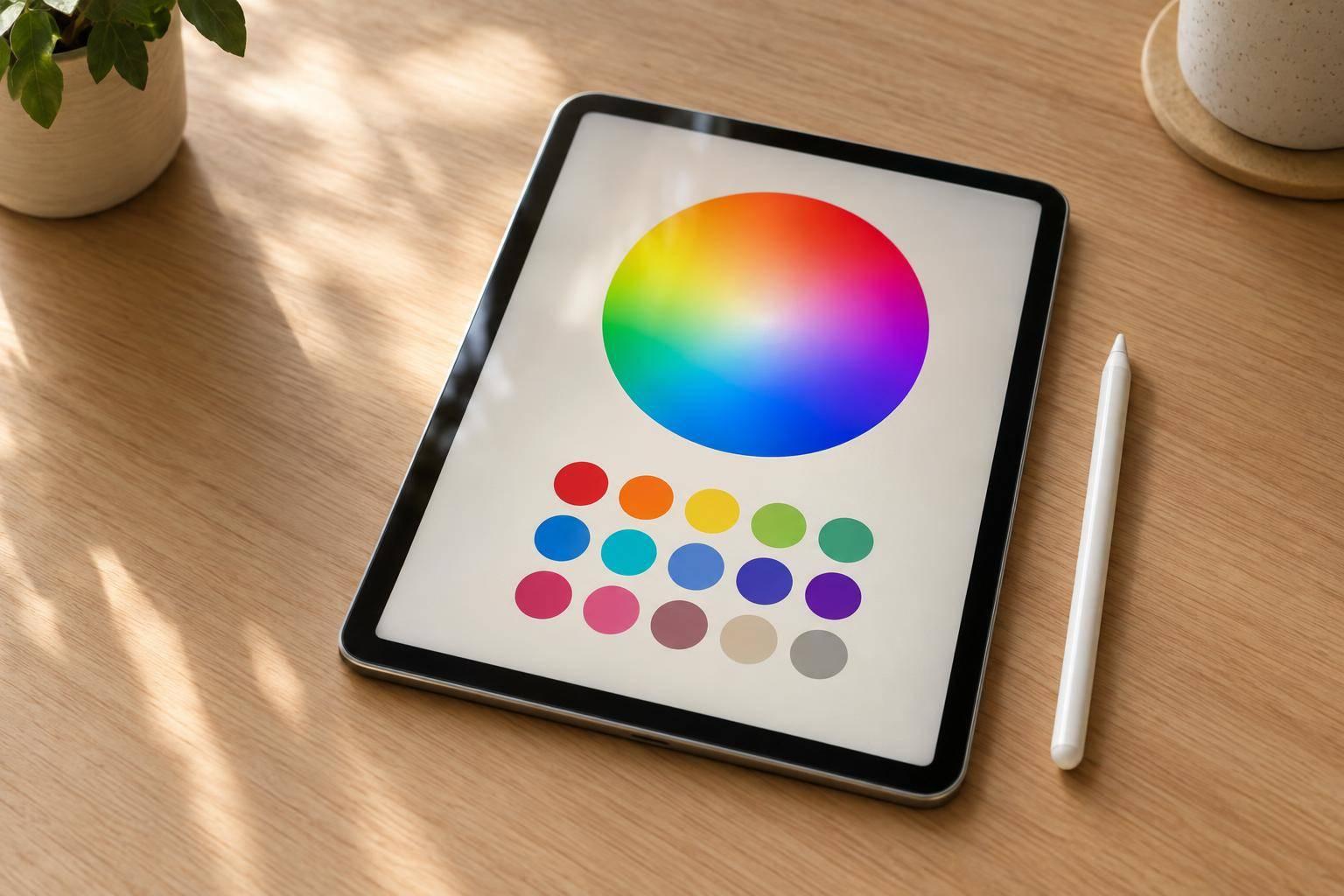
Find the Right Color Combinations Fast
A strong palette can shape the feel of a design before a single word is read. This Color Wheel tool helps you explore relationships between hues in a way that feels immediate, visual, and easy to understand. Start with any base color, then switch between complementary, analogous, triadic, tetradic, split-complementary, and monochromatic modes to see how your options change instantly.
Built for Real Design Decisions
Instead of guessing which tones work together, you can generate a clean, usable set of matching swatches with exact HEX, RGB, and HSL values. That makes the tool useful for interface design, branding, digital art, presentations, and everyday creative work. If you already have a reference color, manual input gives you a precise starting point.
Clear Color Harmony, Accurate Values
The palette generator uses HSL-based calculations to map each relationship on the wheel while keeping saturation and lightness visually balanced. You get labeled results such as Base, Complement, or Analogous Left and Right, so every swatch has a clear role. If you need a practical color palette generator that also helps you understand color harmony, this tool gives you both speed and clarity in one place.
FAQs
How does the tool generate matching colors from one base color?
The palette is built from standard color theory relationships on the hue wheel. Once you choose a base color, the tool converts it into HSL so it can calculate related hues using known angle offsets for each harmony mode. It then keeps saturation and lightness consistent or adjusts them slightly when needed so the final palette feels balanced rather than harsh.
Can I enter colors manually instead of using the wheel?
Yes. You can start with a visual picker or type in a color directly using HEX, RGB, or HSL. The tool validates what you enter, converts it accurately, and updates every output format at once, which is helpful if you’re working from brand guidelines, a design system, or a specific reference color.
Which harmony mode should I use for my project?
It depends on the mood and range you want. Complementary palettes create strong contrast, which works well for calls to action and bold visual emphasis. Analogous colors feel smoother and more cohesive, making them a good fit for backgrounds, illustrations, and softer interfaces. Triadic and tetradic schemes give you more variety, while monochromatic palettes are great when you want a clean, controlled look with different shades of the same hue.